Top 5 Open-Source Form Builders in 2025
Whether you manage an internal form workflow, such as various HR forms or technical support request forms, or an external form workflow to collect information from your clients, customers, or vendors, handling sensitive data can be tricky. As a data controller, it is your responsibility to guarantee the anonymity and privacy of respondents, often numbering in the thousands, to ensure legal compliance. Therefore, the type of form builder you use to create and host forms becomes a defining factor.
The type of form builder you choose has a direct impact on data control, customization, compliance workflows, and long-term cost. You can build a custom in-house form management system, rely on a hosted SaaS platform with limited control over data and infrastructure, or use a self-hosted form builder with open-source or source-available code.
SaaS form builders such as Google Forms, Typeform, and Jotform are widely known, but self-hosted and open-source form builders are often a better fit for teams that need full control over data storage, user access, backend logic, and product branding.
So, let's bring to light the most prominent open-source and source-available form builders in 2025.
What's a Self-Hosted Form Builder?
A self-hosted form builder is a form creation tool that runs within your own application or infrastructure instead of a third-party SaaS platform. It allows your team to create, edit, publish, and manage forms while keeping form schemas, responses, files, users, and access rules under your control.
This model is especially useful for organizations that collect sensitive or regulated data. Instead of sending responses to an external form service, you decide where data is stored, how it is protected, who can access it, and how it connects to the rest of your business systems.
Self-hosted form builders with open-source or source-available code also provide more flexibility than closed SaaS tools. You can customize the form builder UI, apply your own branding, create custom question types, adjust validation logic, connect forms to internal systems, and adapt the workflow to your application.
Why Choose a Self-Hosted Survey System?
Data Ownership and Privacy
A self-hosted survey system gives you full control over form definitions, response data, files, users, permissions, and backend logic. Survey data stays within your own environment rather than on third-party servers. Your team decides where data is stored, how long it is retained, how it is encrypted, and how backups are managed.
This level of control is important for organizations that must follow internal security policies or external regulations such as GDPR or HIPAA. A self-hosted setup does not make compliance automatic, but it gives your team the technical control required to implement the right data protection practices.
Integration with Your Backend
Self-hosted form builders can connect directly to the systems your organization already uses. You can store form schemas and responses in your own database, use your existing authentication system, apply internal access rules, and connect forms to CRMs, analytics tools, reporting systems, or custom workflows.
This makes a self-hosted survey system suitable for applications where forms are part of a larger business process, such as customer onboarding, employee workflows, healthcare intake, insurance claims, audits, inspections, or vendor management.
Security, Access Control, and Audit Trails
With a self-hosted setup, your application controls user roles, permissions, access levels, and audit logs. You can define who can create forms, edit survey templates, view responses, export data, or manage published surveys.
You can also track key actions such as form changes, response updates, data access, and exports through your own logging and monitoring systems. This helps support accountability, internal reviews, and compliance audits.
Customization and Extensibility
Self-hosted form builders give you more control over both the user interface and form behavior. You can customize branding, themes, layouts, question types, validators, conditional logic, calculated values, and data visualizers.
For product teams, this means the form builder can become part of your application rather than a separate external tool. For internal teams, it means forms can follow company-specific workflows, approval rules, design standards, and data models.
Performance and Scalability
When you host the system yourself, you control how it scales. Your team can optimize database performance, caching, file storage, API design, and infrastructure based on your own usage patterns.
You are not tied to external platform quotas, response limits, storage restrictions, or fixed hosting rules. The system can grow with your application and adapt to your organization's data collection needs.
Predictable Long-Term Cost
Many SaaS form platforms charge based on users, forms, submissions, storage, or advanced features. A self-hosted form builder can make long-term costs more predictable because you control the infrastructure and avoid per-response or per-end-user pricing.
Some open-source form builders are free to use under permissive licenses. Others offer commercial licenses with access to source code, self-hosted deployment, and broader customization options. In both cases, the self-hosted model gives organizations more control over cost, scale, and ownership.
Benefits of Form Builders with Source-Available Code
Open-source and source-available form builders are especially attractive because they combine self-hosted deployment with technical transparency. Development teams can inspect the source code, understand how the tool works, and adapt it to specific product or infrastructure requirements.
The main benefits include:
- Flexibility – You can customize form behavior, UI components, question types, themes, validation rules, and integration logic.
- Transparency – Your team can review the source code and better understand how the form builder handles schemas, rendering, and data flow.
- Extensibility – Developers can add custom features, connect third-party components, or build form workflows that match internal systems.
- Framework compatibility – Many JavaScript form builders support modern frameworks such as React, Angular, Vue, and plain JavaScript.
- Cost control – Open-source and source-available tools often reduce dependency on recurring SaaS subscriptions or usage-based pricing.
- Community and ecosystem – Popular open-source projects benefit from public documentation, GitHub activity, examples, and developer feedback.
For businesses that need full control over data, branding, deployment, and workflow logic, an open-source or source-available self-hosted form builder can be a better fit than a closed SaaS form platform.
Top 5 Open-Source Form Builders in 2025
1. SurveyJS
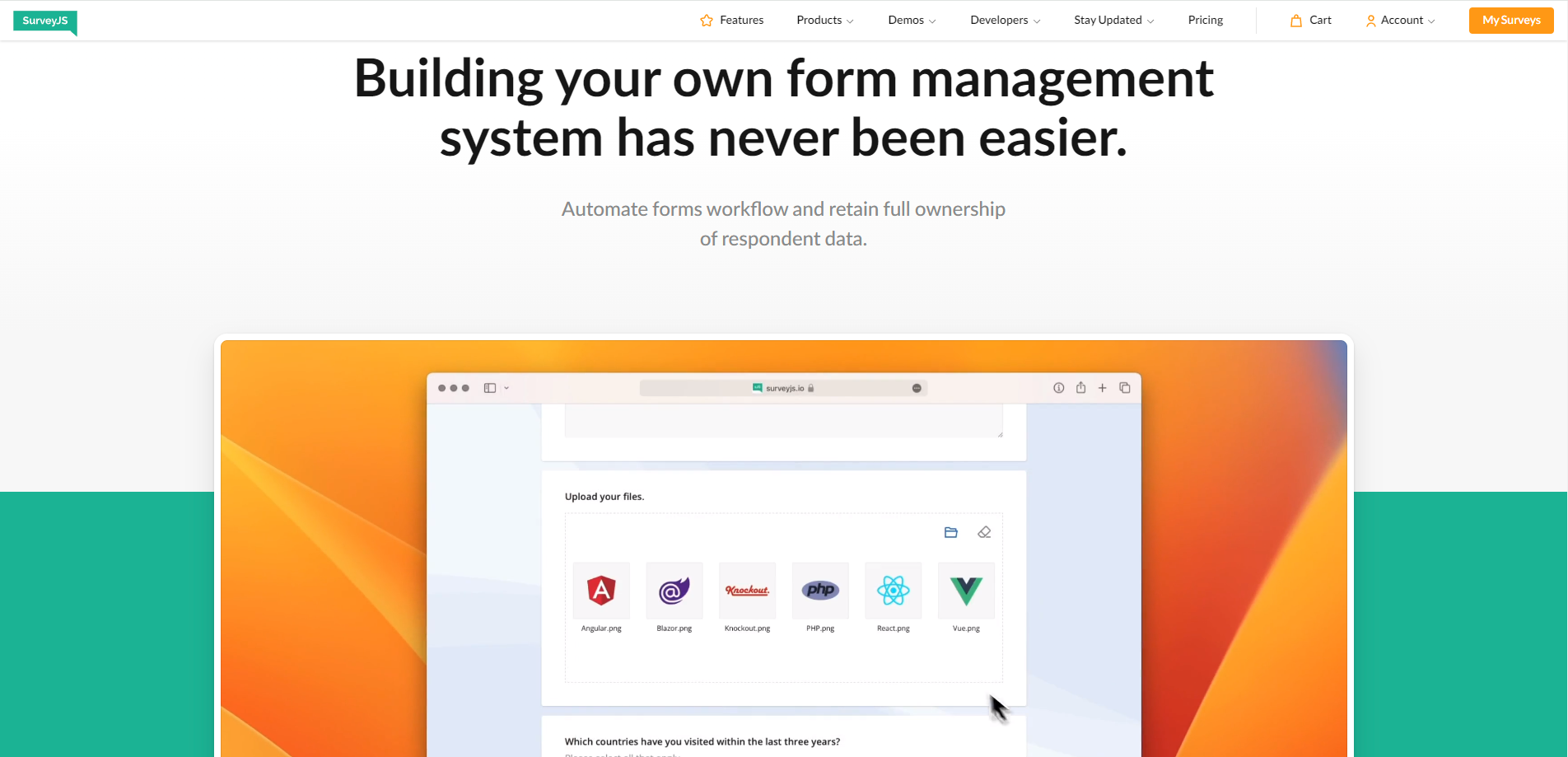
SurveyJS is a family of JavaScript form and survey libraries with source code available on GitHub. The product family helps you build a self-hosted form management system where you control form schemas, response data, user access, backend logic, and application branding.
By self-hosting SurveyJS, you can avoid months of custom development and still keep full control over your data flow and infrastructure. SurveyJS libraries integrate with popular JavaScript frameworks, including React, Angular, Vue.js, jQuery, and Vanilla JavaScript. They are server- and database-agnostic, so you can connect them to your own backend, database, authentication system, and internal workflows.
| SurveyJS Product | NPM package | Description |
|---|---|---|
| Survey Creator | survey-creator-core |
A framework-independent data model for Survey Creator. |
| Survey Creator | survey-creator-react |
A form builder UI component for React. |
| Survey Creator | survey-creator-angular |
A form builder UI component for Angular. |
| Survey Creator | survey-creator-vue |
A form builder UI component for Vue 3. |
| Survey Creator | survey-creator-js |
A form builder UI component for Vanilla JavaScript and jQuery. |
Survey Creator provides a no-code, drag-and-drop UI for form design. While users create forms visually, Survey Creator automatically generates a JSON schema that describes the layout, questions, validation rules, conditional logic, and behavior of the form. Your application can store these JSON-based form definitions on your own servers.
SurveyJS Form Library is MIT-licensed and renders these JSON schemas as interactive forms and surveys in your JavaScript application. Collected responses, survey metadata, and files can be sent back to your own database. To better understand how SurveyJS libraries work together, read the dedicated guide about SurveyJS Architecture.
SurveyJS Survey Creator includes a CSS Theme Editor—a set of UI controls for form styling. Any changes you make, from colors to fonts and layouts, are immediately visible. You can save customized themes as JSON and reuse them across surveys. A gallery of predefined themes is also available.

A full-featured online demo is available so you can try the form builder for free. The SurveyJS website also offers 200+ demos with code examples for common implementation tasks.
2. Formly
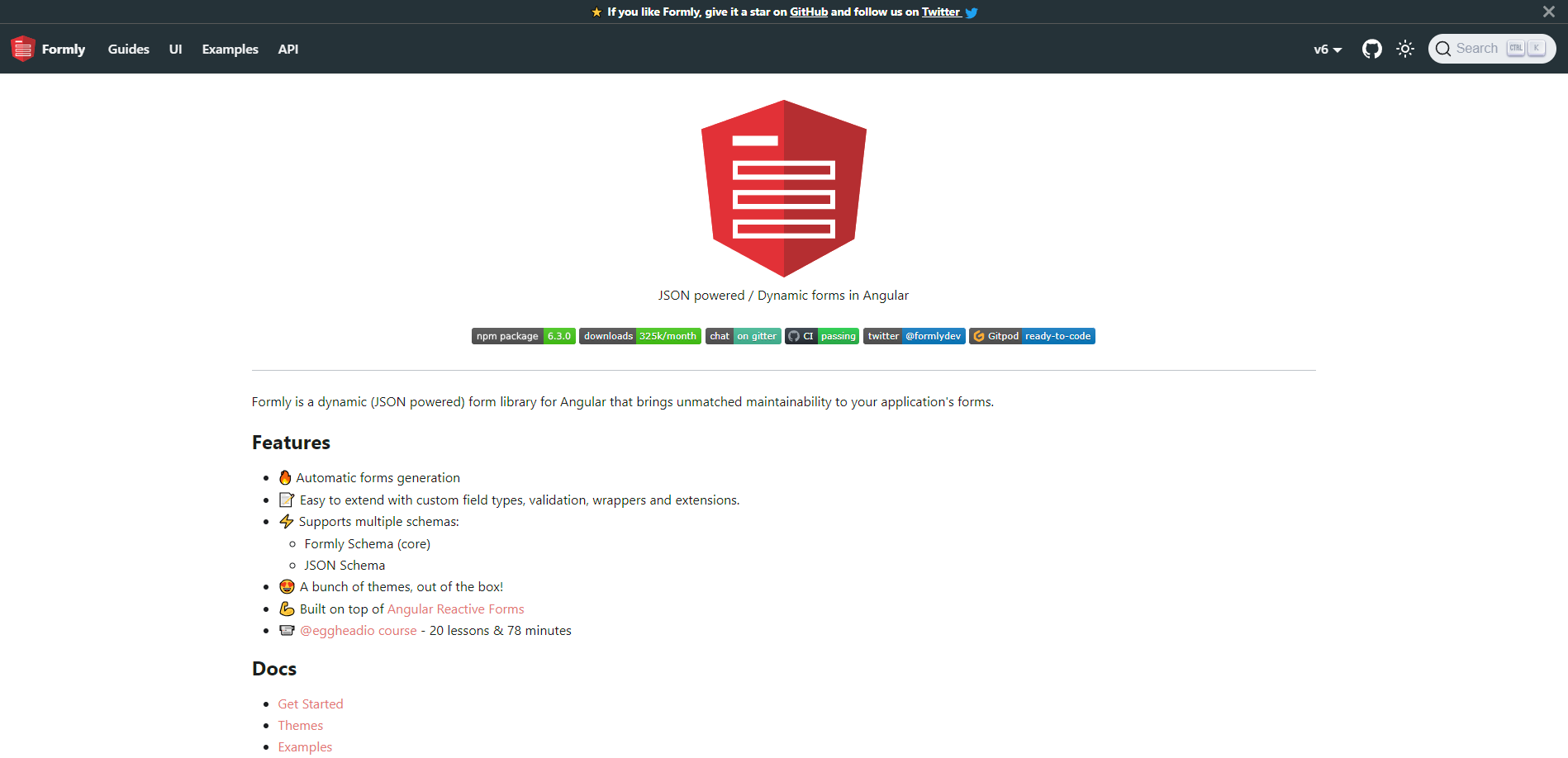
Formly is an extension built on top of Angular Reactive Forms that allows developers to build forms based on a JSON structure, making it quick and straightforward to build both simple and advanced forms. Developers can easily extend its functionality by incorporating UI frameworks, such as Angular Material, Bootstrap, PrimeNG, and customizing form components. Unlike traditional methods that involve writing HTML code for forms, Formly allows developers to dynamically create forms by passing data in JSON format, without the need for extensive front-end coding. This means that a JSON form schema can be obtained from an API to construct the form on the fly.
However, non-technical users may find it challenging to work with the JSON structure required by Formly to define form configurations, particularly when dealing with advanced form features, such as validations, conditional fields, and customizations. Plus, it's tailored for Angular applications only.
3. Formkit
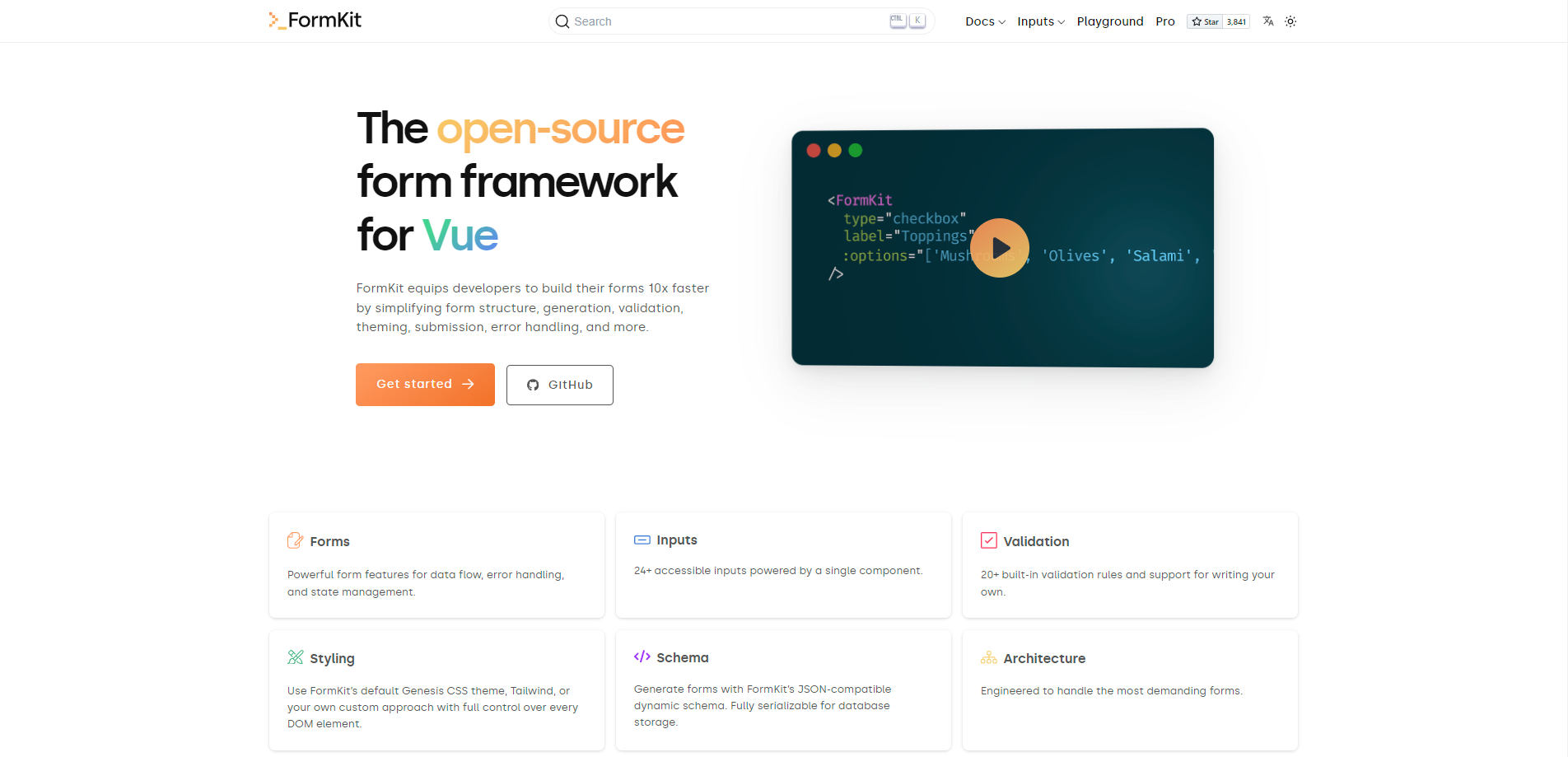
FormKit is a set of form building tools designed to help Vue.js developers create forms quickly and efficiently. It streamlines the process of building forms for websites or applications, ensuring that the forms are of high quality and ready for use in a production environment. FormKit is developer-centric and made to enhance the developer experience by simplifying the form creation process and reducing the amount of code required. It includes pre-built features, such as input fields, validation rules (to ensure users enter information correctly), and APIs to handle submissions and errors. Overall, it is user-friendly, helps developers work faster, and ensures that forms are ready to be used in real-world applications.
One of the main limitations is the need for manual creation of JSON form schemas, on which forms are based. This makes form creation inaccessible to non-techies. Additionally, given that form contents often require systematic and sometimes rapid changes, the lack of a no-code UI would lead to constant involvement of software developers in the creation and modification of forms. Plus, certain input fields, including basic ones like a Slider, Datepicker, and Dropdown, are only available in the PRO plan. Finally, FormKit is exclusively compatible with Vue.js and is not suitable for other JavaScript frameworks.
4. Tripetto
Tripetto is an open-source form builder that introduces a visual approach to creating forms and surveys. Instead of relying on traditional list-based editors, it uses a flowchart-style interface that helps users design the structure and logic of their forms step by step. It supports advanced branching logic, conditional flows, and multiple form layouts, including classic, autoscroll, and chat interfaces. Tripetto’s architecture is divided into a form builder, form runners, and blocks. The form runners—which are also open source—can be self-hosted or embedded into any web application.
5. LimeSurvey
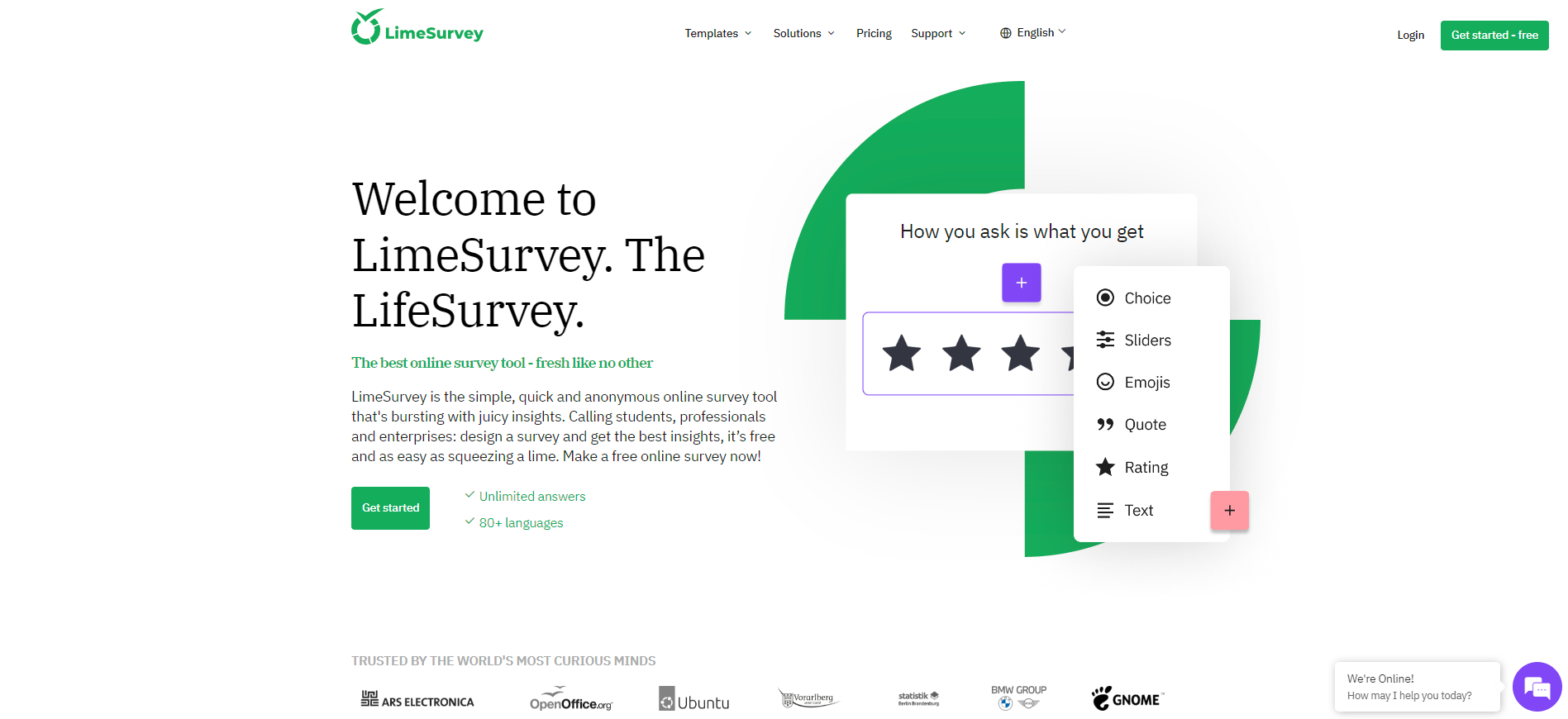
LimeSurvey is an open-source form builder that allows users to create and conduct online surveys. It provides a platform for designing, distributing, and analyzing surveys, making it a popular tool for academic research, market research, and other data collection purposes. LimeSurvey supports complex surveys with various question types, branching logic, and personalized themes. Being open source, the form builder benefits from a community of developers and users who contribute to its development and provide support through forums and documentation.
Why SurveyJS Excels as a Self-Hosted Form Builder (with Source-Available Code)
SurveyJS is a strong choice for teams that want to build a custom form or survey management system without sending form data to an external SaaS platform. SurveyJS does not provide server-side storage for your forms or responses. Instead, its libraries run in the browser and connect to your application backend, which gives your team control over data storage, access rules, business logic, and deployment.
Survey Creator provides a drag-and-drop interface that allows users to create and update forms without editing JSON manually. Behind the scenes, it acts as a JSON schema generator and produces form definitions that SurveyJS Form Library can render in your application. This helps teams move form changes from code to configuration.
SurveyJS also gives you control over the form experience. You can use built-in question types, create custom questions, configure validation rules, set up conditional logic, define calculated values, and apply reusable themes. The Theme Editor allows you to customize CSS variables through a visual interface and preview changes immediately.
For teams that need a complete workflow, SurveyJS can support the full form lifecycle: visual form design, JSON schema rendering, response collection, data analysis, and PDF export. You can connect these capabilities to your own backend, authentication, database, audit logs, and reporting tools.
If you are looking for a self-hosted form builder with source code available, framework support, JSON schema output, and full control over data flow, try the free full-featured demo to see how SurveyJS works.
Frequently Asked Questions
Q: What is a self-hosted survey system?
A A self-hosted survey system is a survey or form management application that runs within your own infrastructure. With SurveyJS, you embed JavaScript libraries into your application and connect them to your own backend, database, authentication, and business logic.
Q: Does SurveyJS store data on third-party servers?
A No. SurveyJS libraries run in your application. You decide where survey definitions, responses, files, users, and access rules are stored.
Q: Can I connect SurveyJS to my own database?
A Yes. SurveyJS can connect to any backend or database through your application logic. You can store form JSON schemas, response data, user roles, and audit records in the systems you already use.
Q: Can I use SurveyJS with my existing authentication system?
A Yes. Since SurveyJS is embedded into your application, you can use your existing authentication, permissions, roles, and access policies to control who can create forms, edit surveys, view responses, or export data.
Q: Is SurveyJS suitable for GDPR or HIPAA-sensitive workflows?
A SurveyJS can support GDPR, HIPAA, and other sensitive data workflows because data stays within your infrastructure. Your team controls hosting, encryption, retention, backups, access logs, and compliance procedures.
Q: Can I white-label a SurveyJS-based survey system?
A Yes. SurveyJS components can be customized to match your application UI, brand, design system, and user roles. You can embed the form builder, form renderer, analytics dashboard, and PDF export tools inside your own product.
Q: How is SurveyJS different from SaaS survey platforms?
A SaaS survey platforms host the form builder, forms, responses, and user data for you. SurveyJS provides embeddable JavaScript libraries so you can build a survey system inside your own application and keep control over data, backend logic, user access, and deployment.